

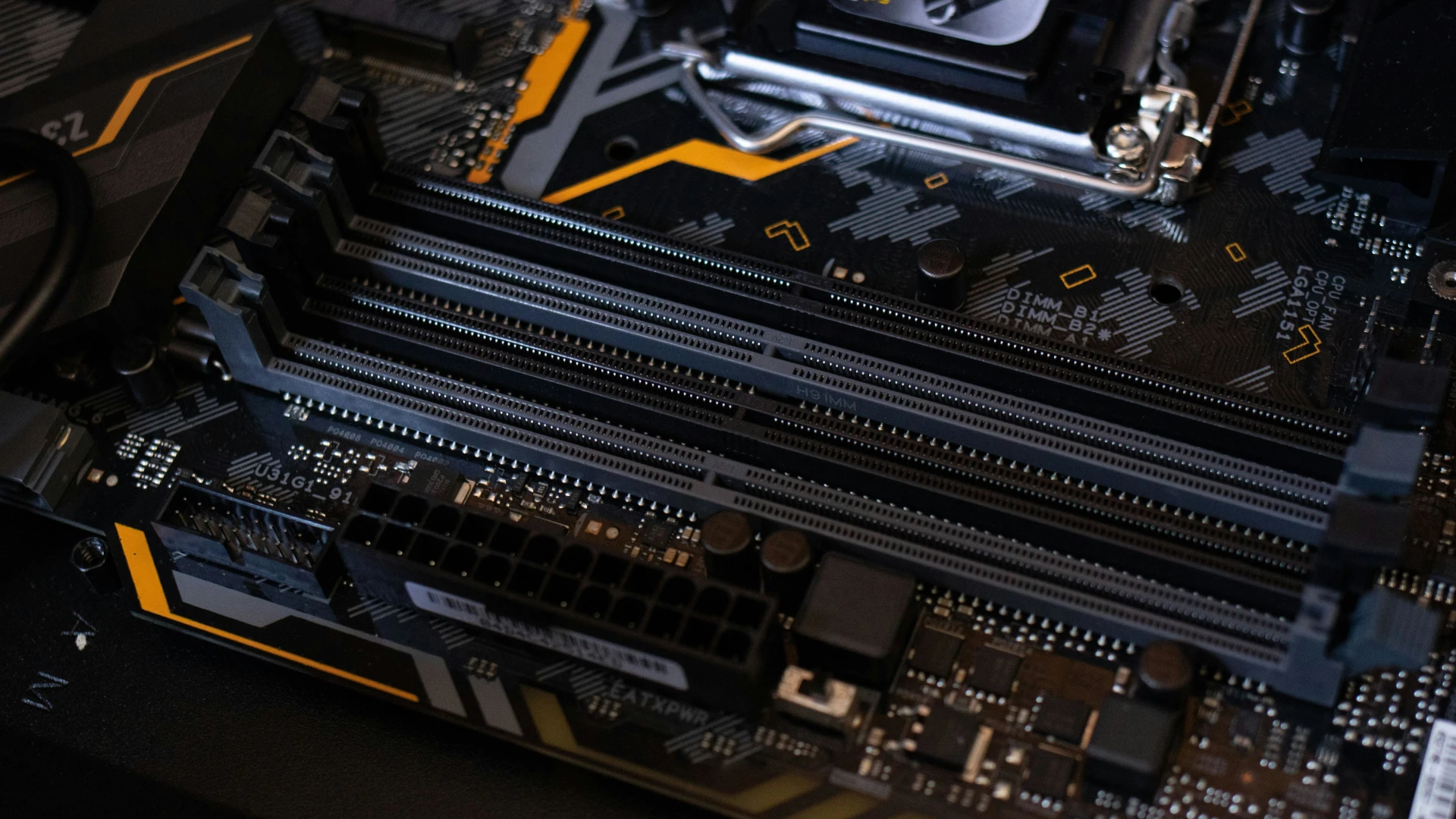
By now, everyone has heard about the rising prices of computer components due to overwhelming demand from AI tech giants that is leaving everyday consumers in the dust. Over the last year or two, prices of RAM have gone up 4x or more. Most average consumers might not notice. But if you have an older computer, or need to upgrade in the near future, you are probably feeling the pain of sticker shock.
Unfortunately, if your computer needs an upgrade and you can’t wait, it will cost you. But prices have been declining (very slowly) so if you can hold off for a while, you may save yourself a bit of money. Assuming your hardware isn’t damaged, there are some things you can do to help your computer run a bit more efficiently and tide you over for a while before you upgrade.
Clean up Background Tasks
Your computer is likely doing a dozen things you never asked it to do. Every time you start it up, a bunch of programs quietly launch themselves and just… sit there, eating up memory and processing power. Some of these processes are necessary for your computer to function, but others can be safely turned off.
Cybersecurity Tip: If you notice your computer suddenly running much slower than usual, there may be malware running in the background. Run an antivirus/antimalware scan to clean up any viruses. (Hint: You should be doing this on a regular basis)
Optimize Your RAM Usage
RAM is essentially your computer’s short-term memory — it holds everything that’s currently open and active. The more RAM you have, the more apps and programs you can run simultaneously. But having too many open can bog down your processing speed and make your computer sluggish.
Browser tabs are one of the biggest RAM hogs out there. If you don’t need them, close them down. Use bookmarks instead to save the link so you can find it again later. You can also try a browser that collapses all your open tabs into a single list. You get to keep them saved without them draining your system.
Learn more about these features for your browser: Chrome, Firefox, Edge.
The same goes for desktop apps on your computer. If you aren’t actively using it, close it down.
Clean Up Your Memory
If your hard drive or SSD is nearly full, your computer slows down. A lot. Your system uses storage space as a kind of overflow area when RAM gets maxed out, and when there’s no room, everything grinds.
Aim to keep at least 15–20% of your storage free at all times. Go through your downloads folder (yes, that one), delete apps you haven’t opened in months, and consider moving photos and videos to an external drive or cloud storage.
Nerdy Tip: When you delete a file, it goes into the Recycle Bin (PC) or Trash (MAC). You may have removed them from the original folder, but not from the hard drive. To permanently remove them and clean up your hard drive, empty the Recycle Bin / Trash on a regular basis.
Do Those Software Updates You’ve Been Putting Off
Yes, they pop up at the worst times, and they’re annoying, but those software and OS updates actually help optimize your computer’s efficiency. Skipping them means you’re missing out on those improvements. If you absolutely can’t do it right away, schedule an automatic update for after hours, or the next time you shut down your app or computer.
Cybersecurity Tip: These updates also patch security vulnerabilities within your system, which is another good reason not to put them off.
Restart Often
Regularly restarting your computer resets memory allocation, and gives your system a clean slate. Putting your machine in Sleep mode will not have the same effect. For optimal computer health, power it down every day. Your computer deserves a good, overnight rest, same as you.
Nerds On Call
When you have the luxury of time, working smarter with what you have can delay costly upgrades for your organization. But when you simply can’t put it off any longer, and you’re looking at a dozen or more devices that need replacing, it doesn’t hurt to get a second opinion and talk to the experts.
Does your business need a tech update? The Nerds are here to help. Give us a shout and let’s see if we can find a good solution for your use case.