

The default WordPress editor is the “Block Editor” which uses a variety of “Blocks” to construct a page.
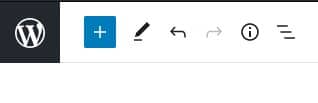
To add a block either click the blue square on the top right of the edit page.

Or click the blue square that appears when you hover between existing blocks.

This will bring up the range of available blocks that you can use.
The choice of blocks available to you may differ, plugins and themes can add their own custom ones.
To insert a block, simply click on the one that you would like to use.
The common ones you will use will be “Heading” to add a title, “Paragraph” to add text and “Image” to add an image.
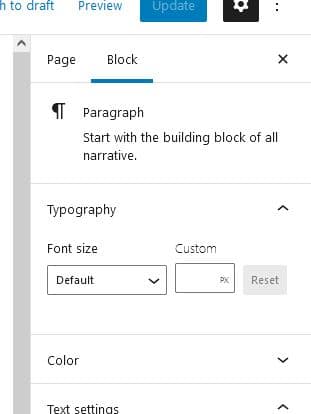
When you are working with a block, the menu on the right will change to show settings for the current block.