

Interactions add movement to your Atomic element. They are always set locally, and don’t apply to class, so you control them for each element individually. To access them, select the element and click on the Interactions tab.
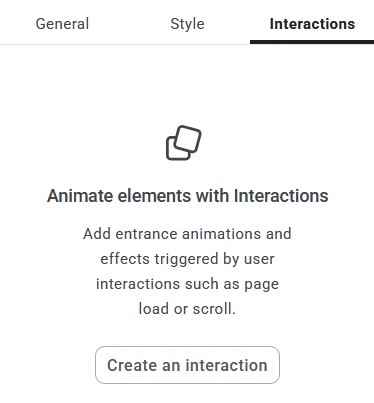
By default, there are no Interactions for Atomic elements. But you can add one or more of them on the Interactions tab. This tab will not be available for the older Elementor Widgets. For those, these settings are on the Advanced tab instead.

Trigger controls when the interaction happens.
Effect sets the type of animation you will see.
Type determines when the animation happens: In (when the element appears) or Out (when you scroll past it)
Direction tells the browser where the element will appear from. If nothing is selected, it will appear in its set position on the page. If you select one of the arrows, the element will move to its position on the page from that direction.
Duration means how long it takes for the element to fully settle into position. It’s measured in milliseconds.
Delay sets a time frame for the element appearing. Use this for sections where you have multiple elements that you want to appear in succession, rather than all at once.